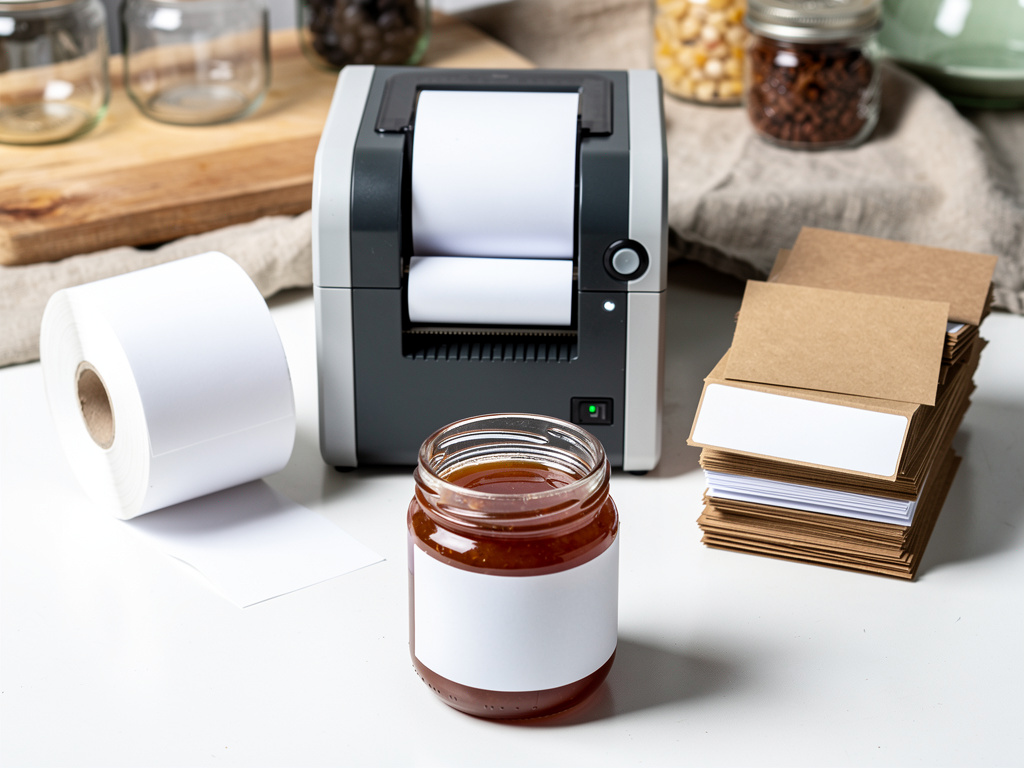


Choosing how to print your product labels sounds like a boring logistics question, but it's the difference between a label that looks sharp and legal and one that smears the first time it hits a cold, damp fridge. For a small food vendor, the right choice depends almost entirely on your volume and whether your product gets wet or oily, and buying an expensive printer too early is a classic money mistake. This guide walks through choosing a label and sticker printer for a small food business, the real options, and how to pick without overspending.
The short version: You have three real options: print at home on an inkjet or laser printer with label sheets, buy a dedicated thermal label printer, or order pre-printed labels from a print shop. Home printing suits very low volume and testing, but plain inkjet paper isn't water- or oil-resistant, which matters for refrigerated or greasy foods. A thermal printer pays off at higher volume, and thermal-transfer models resist fading far better than direct-thermal. Print shops make sense once your design is stable and your volume is high. Whatever you choose, your label must fit all required legal information legibly, and it must survive your product's real conditions. Homegrown gives your professional-looking product a professional storefront, though you handle the label printing.
This guide covers your options, volume, waterproofing, thermal types, legal compliance, cost, and mistakes. This is general information, not legal advice.
You have three real ways to produce food labels: print them yourself on a home inkjet or laser printer with label sheets, use a dedicated thermal label printer, or order pre-printed labels from a print shop. Each fits a different stage of business, and the right one depends mostly on your volume and durability needs.
Here's how the three compare:
| Option | Best for | Watch out for |
|---|---|---|
| Home inkjet/laser + label sheets | Very low volume, testing new products | Plain inkjet paper isn't water- or oil-resistant |
| Dedicated thermal label printer | Growing, steady volume | Direct-thermal fades; upfront printer cost |
| Pre-printed from a print shop | Stable design, high volume | Less flexible; higher minimums |
A quick read on each:
The takeaway: there's no single best printer, only the best one for your current volume and product. The rule is to match the method to where your business actually is, not where you hope it'll be, and to grow into more capable printing as your volume proves out.
Your label volume is the single biggest factor in which option makes sense, because home printing is cheapest at low volume while thermal printers and print shops win as you scale. Buying capacity you don't need yet is one of the most common early money mistakes.
How volume maps to the right choice:
Treat any specific breakpoint as a rough guide, not a rule, since your exact costs depend on your labels and materials. The takeaway: start cheap and simple, then upgrade your printing as your volume genuinely grows into it. The rule is to let real volume, not optimism, justify each step up, so you never buy a $400 printer to make fifty labels a month.
Waterproofing matters because food labels routinely face conditions that destroy plain paper and ink, refrigerator condensation, freezer frost, and product oils, and only certain materials survive. Choosing the wrong stock means a label that smears, peels, or turns illegible right when the customer looks at it.
What the durability picture looks like:
The takeaway: if your product lives in a fridge, a freezer, or has oils, plain paper and standard ink won't cut it, so choose water- or oil-resistant material. The rule is to match your label material to your product's real conditions, because a label that fails in the fridge undoes all your branding work, the same care behind good food packaging.
The two kinds of thermal label printers differ in permanence: direct-thermal printing fades over time with heat and light, while thermal-transfer printing uses a ribbon to produce a durable, long-lasting label. Knowing the difference prevents you from buying a printer that produces labels that fade before the product sells.
How they compare:
The takeaway: direct-thermal is cheaper but fades, while thermal-transfer costs a bit more and lasts, so choose based on how long your labels need to look good. The rule is to use thermal-transfer for any product with real shelf life, since a faded label on a shelf reads as neglect, not thrift.
Yes, because your label must display all required information legibly, and a printer or label size that makes required text too small or too faint can put you out of compliance. Your printing choice isn't just aesthetic, it has to satisfy real labeling rules.
What compliance requires:
The takeaway: your printer and label size have to produce clear, legible, durable required text, or you risk both readability and compliance. The rule is to choose a label big enough and a print crisp enough to satisfy your state's rules, which the guide on cottage food labeling requirements details.
Label printing costs vary widely by method, material, and volume, so treat any figure as a directional ballpark and get real quotes before committing. The headline pattern is that home printing has low upfront cost but higher per-label cost, while thermal and print-shop options cost more upfront but far less per label at volume.
The rough cost picture:
Because published cost-per-label figures come from general sources and don't account for durable coated stock, use them only to understand the pattern, not to budget precisely. The takeaway: home printing wins on upfront cost, thermal and print shops win on per-label cost at volume, and only a real quote tells you your true numbers. The rule is to price your specific labels and material rather than trusting a generic per-label figure.
The label-printer mistakes that cost small vendors are using plain inkjet paper on wet or oily products, making labels too small to fit required text legibly, buying an expensive printer before validating volume, and copying another state's label wording. Each is easy to avoid once you know it.
The mistakes to avoid:
The takeaway: the mistakes come down to wrong material, too-small text, overspending early, and wrong wording, all avoidable with a little planning. The rule is to match material and size to your real product and rules, and to let volume justify every equipment upgrade.
A sharp, durable, compliant label makes your product look like a real business, and that professional impression should carry all the way to where you sell it online. Homegrown is a $10-per-month online storefront, with no percentage fees beyond standard payment processing, that gives your carefully labeled product a clean, professional home online.
The same attention that goes into a crisp, legible label should show up on your storefront, consistent branding, the same brand fonts, clear product photos, and a professional presentation that matches the quality on your jars. When a customer sees the same polished look on your label and your storefront, it reinforces that you're a real, established business worth ordering from. That consistency between your physical product and your online presence is exactly what builds trust with new buyers.
To be clear about what Homegrown does not do: it is not a printer or a design tool, and it will not print your labels, choose your label stock, or lay out your artwork. Those decisions are yours, using the guidance here. Unlike piecing together a general website builder, Homegrown gives local food sellers a purpose-built storefront at a flat, predictable price, so your professionally labeled product has an equally professional place to sell. Once your labels look sharp, set up your Homegrown storefront and give your product a home online that matches.
It depends on your volume and product. For very low volume or testing, a home inkjet or laser printer with label sheets is cheapest, though plain inkjet paper isn't water- or oil-resistant. As you grow into steady volume, a dedicated thermal label printer lowers your per-label cost, with thermal-transfer models producing far more durable labels than direct-thermal. At high volume with a stable design, ordering pre-printed labels from a print shop is most economical and gives you professional coated stock. Match the method to where your business actually is rather than overbuying early.
No. Standard inkjet ink on plain paper is not water- or oil-resistant, so it smears or fades when it meets refrigerator condensation, freezer frost, or product oils. If your product is refrigerated, frozen, or greasy, you need water-resistant or waterproof film label stock, or oil-resistant film specifically for oily products, rather than plain paper. Laser (toner) printing and thermal-transfer labels also hold up much better than plain inkjet. Always test your label in the actual conditions your product faces before printing a full run.
Direct-thermal printers use heat-sensitive paper that darkens under the printhead, with no ink or ribbon. They're cheaper and print black only, but the print fades over time with heat, light, and friction, so it has limited permanence. Thermal-transfer printers use a heated ribbon to transfer ink onto the label, supporting more materials and producing prints that resist fading, scratching, and chemicals. Use direct-thermal for short-lived or quickly-sold items, and thermal-transfer for anything with real shelf life or that sits in a fridge, freezer, or near heat and light for weeks.
Indirectly, yes. Your label must display all required information, product name, ingredients, allergens, net weight, business details, and your state's cottage food disclosure, legibly. A printer or label size that makes text too small, too faint, or smeared can render required information unreadable, which risks both usability and compliance. Federal nutrition-labeling rules specify minimum type sizes, a legible type style, and high contrast, and states like Texas explicitly require legible labels. Choose a label large enough and a print crisp enough to keep all required text clearly readable, and confirm your own state's specific requirements.
It varies widely by method, material, volume, and shape, so treat any figure as a rough guide and get real quotes. The pattern is that home printing has low upfront cost but a higher cost per label, while a thermal printer or a print shop costs more upfront but far less per label at volume. Durable water- or oil-resistant stock costs more than plain paper either way. Print-shop pricing depends heavily on your quantity and material, so the only reliable number is a quote for your specific label and run size rather than a generic per-label estimate.
It comes down to volume and how stable your design is. If you're still testing products or making only a few dozen labels a month, print at home or order small runs, since buying a thermal printer isn't justified yet. Once you're printing steadily in the hundreds, a thermal printer's low per-label cost pays off. When your design is finalized and you need thousands, a print shop gives you the most professional, durable result without equipment. Let your real volume and design stability decide, and avoid sinking money into a printer before you need it.
Choosing a label printer isn't about buying the fanciest machine, it's about matching your method to your volume and your material to your product's real conditions, while keeping every required detail legible. Start simple, protect against moisture and grease, and upgrade as you grow. Start your Homegrown storefront and give your sharp, professional labels an equally professional place to sell.