


The short version: Google Forms is free and cannot take money. Cheddar Up can take money and its free tier is the expensive one: Basic is $0 a month but charges 3.95% plus $0.95 per card payment, which is $1.94 on a $25 order, or 7.8%. Pro at $15 a month paid annually drops that to 3.59% plus $0.59, and Team at $35 adds a group website and ticketing. Neither is built for retail food selling. Google Forms is a form, and Cheddar Up is a group payment collector for teams, schools, and clubs. Both get used by food vendors because they are what people already have, and both leave you doing work a storefront would do for you.
All Cheddar Up figures were read from its own pricing matrix in July 2026, column by column, because the plans differ.
One collects information. The other collects money.
Google Forms takes an order and nothing else. A customer fills in what they want, their name, and a pickup day. That lands in a spreadsheet. You then chase payment separately, track who has paid in a column, and remember to close the form when you sell out. It is free, everyone knows how to use it, and it does exactly one third of the job.
Cheddar Up takes an order and a payment together. It is built for a soccer team collecting registration fees or a school selling raffle tickets: a page with items on it, a checkout, inventory tracking, and a record of who paid. That is genuinely more than a form, and it costs a percentage.
Neither was designed for a bakery:
That 7.8% on a $25 order is the number this whole comparison turns on, and it is worked through properly below. The third option, a flat-fee storefront with real checkout, beats both once your volume clears the arithmetic further down.
Same four disclosures on all three columns.
| Google Forms | Cheddar Up Basic | Cheddar Up Pro | |
|---|---|---|---|
| Subscription | $0, included with a Google account | $0, free forever | $15/mo paid annually |
| Free trial | Not applicable, it is free | Not needed, it is free | Basic is the free tier |
| Platform fee | $0, but it cannot process payments | $0 platform fee, the revenue is in the rate | $0 platform fee |
| Card processing | None. You collect payment separately | 3.95% + $0.95 | 3.59% + $0.59 |
Cheddar Up Team at $35 a month paid annually charges the same 3.59% plus $0.59 on cards and drops eCheck to a flat $0.95. eCheck is not available at all on Basic; on Pro it is 1.59% with a $1.00 minimum.
Standard withdrawals to your bank are free on every plan. Instant withdrawals cost 1.95% with a $1.00 minimum.
Because the free plan is paid for in the rate, and the fixed portion is unusually large.
That $0.95 per transaction is the part that hurts a food vendor. On a school raffle ticket at $50 it is rounding. On a $12 loaf of bread it is 7.9% before the percentage is even added.
Worked properly:
The pattern is clear: Cheddar Up's pricing is built for large, infrequent payments, which is exactly what a team registration or an event ticket is. Food orders are small and frequent, which is the worst possible shape for a fee with a 95-cent floor.
Upgrading to Pro at $15 a month improves it, but not enormously. At 3.59% plus $0.59, a $25 order costs $1.49, or 6%, and you are now paying $180 a year for the privilege.
Take a vendor doing $1,000 a month across 40 orders, a $25 average order.
Google Forms
Cheddar Up Basic
Cheddar Up Pro
For comparison, a $10 a month storefront at 2.9% plus $0.30 costs $10 plus $29 plus $12, which is $51 a month, or $612 a year. That is roughly $280 a year less than Cheddar Up Pro for the same sales.
Pro barely beats Basic at this volume, which is worth noticing: the $15 subscription buys you $3 a month in savings at 40 orders. It only pays for itself on volume or on the other capabilities it opens up.
The Google Forms column in that table deserves a second look, because a zero is doing a lot of work in it. Forty orders a month on a form means forty payments arriving somewhere other than your order list: some by Venmo, some in cash at pickup, one or two that never arrive at all until you notice and ask. Reconciling that is perhaps two hours a month if you are organized and considerably more if you are not, and every month it is two hours that produce nothing. At forty orders, Cheddar Up Basic costs $77.50 and Google Forms costs about two hours. Which is more expensive depends entirely on what your evening is worth, and for most people running a food business alongside a job, it is not the $77.50.
It genuinely does, in a narrow set of cases, and pretending otherwise would be silly.
The point at which it stops working is predictable: when you are cross-referencing a spreadsheet against your bank app to work out who has actually paid. That is the moment the free tool starts costing you real time. Our guide to Google Forms alternatives for food orders covers what to move to.
That fee-passing option deserves a note. Cheddar Up lets you customize who covers the fees, so you can add them to the payer's total rather than absorbing them. That genuinely changes the math for you, and it means your customer pays $26.94 for a $25 order. Whether that is acceptable depends entirely on your buyers, and it is worth testing rather than assuming.
Both are being used outside their design, so the gaps are broad.
The sales tax point is worth separating. Adding a tax line at checkout and filing a return are different jobs, and only the first exists here. The IRS's self-employed individuals tax center covers the ongoing obligations, and the FTC's advertising and marketing guidance covers what you can claim about a product, both of which stay with you on any tool.
If you are choosing between these two, the honest answer is that you are choosing between two tools built for other jobs.
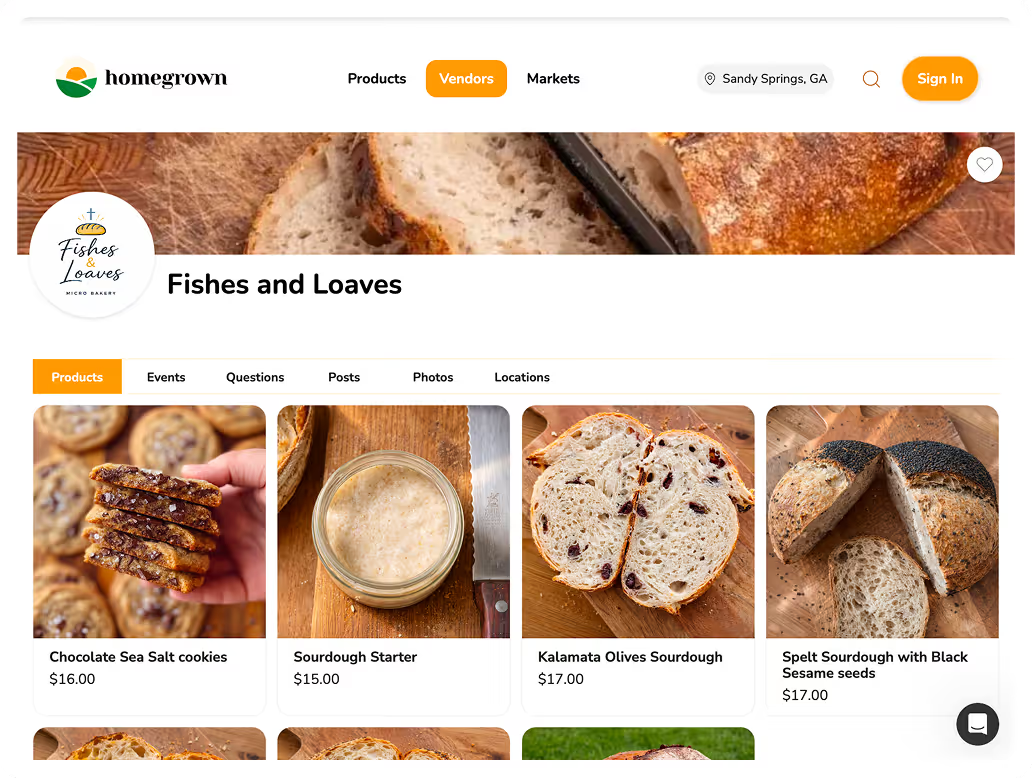
A purpose-built storefront costs less than Cheddar Up's effective rate and removes work Google Forms creates. Homegrown is $10 a month billed annually with 0% commission and 2.9% plus $0.30 card processing, which on a $25 order is $1.03 against Cheddar Up Basic's $1.94. It adds pickup scheduling at each place you sell, local delivery with a radius, a flat fee you keep and a route to run, customer messaging, and sales tax calculated, filed, and remitted in all 50 states.
The honest bounds: it does not do forms, waivers, sign-ups, ticketing, or eCheck, all of which Cheddar Up does well. If you are collecting for a group rather than selling products, Cheddar Up is the right tool and this comparison ends there.
If you are selling food to customers, you can put your real products on a storefront inside a 7-day trial and see whether the spreadsheet disappears. Our roundup of the best online ordering systems for small food vendors covers the wider field with the same fee disclosure used above.
If you are on Google Forms today, the transition is easier than it looks.
Step four matters most. The names and emails in that spreadsheet are the asset, and they are yours to take. A form full of past orders is also a much better launch list than a cold audience: those are people who have already bought from you once, and a single message telling them where to order now converts better than anything else you will do that month. You can set the new link up during a free week and send it to exactly that list before deciding anything. Our guide to taking pre-orders for a food business covers structuring the workflow once you have moved.
Not on its own. It collects the order and the customer's details. Payment happens separately, by cash, Venmo, or a payment link you send, and reconciling who has paid is manual work in your spreadsheet.
Basic is free forever. Pro is $15 a month paid annually and Team is $35. Card processing is 3.95% plus $0.95 on Basic and 3.59% plus $0.59 on Pro and Team. eCheck is unavailable on Basic, 1.59% with a $1.00 minimum on Pro, and a flat $0.95 on Team.
The 95-cent fixed portion on Basic. On a $12 loaf that is 7.9% before the percentage is added, giving 11.8% all in. Cheddar Up's pricing suits large, infrequent payments like registrations and tickets, not small, frequent food orders.
At 40 orders a month it saves about $3 a month in processing against Basic, so it does not pay for itself on rate alone. Upgrade for what else Cheddar Up puts on Pro: eCheck, unlimited items, shipping, taxes, and its discount-code tools.
Yes. Cheddar Up lets you customize who covers fees, so they can be added to the payer's total. On a $25 order at Basic rates, your customer would pay $26.94. Test how your buyers react before assuming it is free money.
It can add taxes to specific items at checkout. Registering with your state, filing returns, and remitting the money remain your responsibility, which is true of most tools in this category.
Neither, strictly. Google Forms cannot take payment and Cheddar Up is priced for group collections. If your orders are small and frequent, a storefront built for retail food selling will cost less per order and remove more work than either.
Google Forms is free because it does a third of the job. Cheddar Up does the whole job for a group collection and prices it accordingly, with a 95-cent floor that is invisible on a $200 registration and painful on a $12 loaf.
If you are running a bake sale for a school, Cheddar Up is genuinely the right tool. If you are running a food business, you are paying between 6% and 12% per order to a product designed for something else, or you are doing the payment chasing by hand for free. Work out what a month of orders actually costs you in fees and in evenings, then compare that against a tool built for what you are doing.