


The short version: This is the easiest migration in the category, because there is nothing to migrate. Google Forms holds no customers you cannot export, no ranking you can lose, and no payment relationship to unwind. Your form responses are already in a spreadsheet you own. What takes the time is not moving data, it is translating form questions into products, which is a genuinely different structure: a dropdown of six items becomes six listings with their own prices, photographs, and stock counts. Budget one evening. The mistake to avoid is rebuilding the form as a product, complete with the free-text field where people typed whatever they liked.
A form is an excellent capture tool and it does exactly one of the three jobs.
What Google Forms does well: it collects structured answers, it is free, it works on any phone, everyone already knows how to use one, and the responses land in a spreadsheet automatically. That is genuinely useful and it beats taking orders in comments by a wide margin.
What it does not do:
Our guide to running an order system on Google Forms covers pushing it as far as it goes, and our piece on Google Forms alternatives covers where it runs out.
The one that costs real money is the quantity cap. A form has no idea how many croissants exist, so it will keep saying yes long after you have run out, and you find out on Thursday night when you add the column up.
Because you already own everything.
So the export step, which is the hard part of leaving most platforms, is one download here. On a hosted storefront it means requesting separate exports of customers, orders, and products, verifying each one opens and contains what you expected, and doing it before you cancel because access usually ends with the subscription. On a form it is a menu item.
Two things worth doing with that spreadsheet before you move on:
Translating questions into products, and they are not the same shape.
A typical food order form looks like this:
On a storefront that becomes:
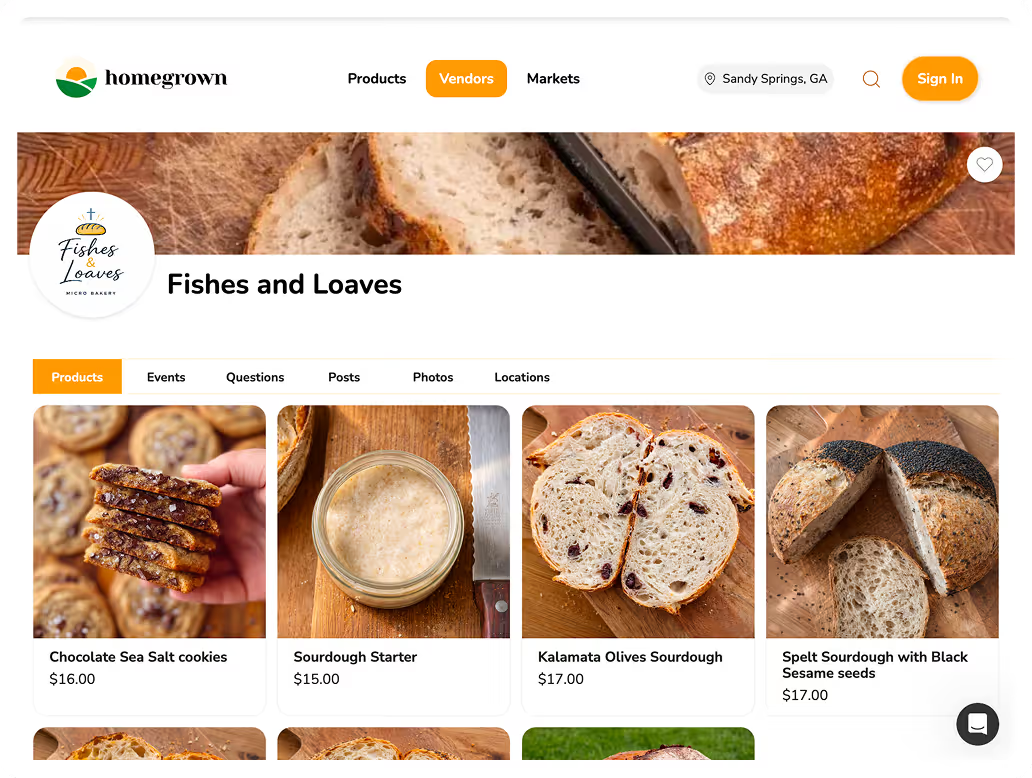
The item that eats the evening is question three. Four products means four photographs, four descriptions with ingredients and allergens, four prices, and four decisions about how many you can make. On a form that was one checkbox list you wrote in two minutes.
That is the switch, and it is also the value. A form let you avoid deciding what you actually sell. A storefront makes you decide, and most vendors find the exercise clarifying.
Three habits from the form era that make a storefront worse.
The "how many of each?" free-text field. This is the single worst thing about form-based ordering: someone types "2 sourdough, 1 focaccia, maybe brownies if you have them" and you transcribe it by hand. A storefront has quantity selectors. Do not recreate the field.
The open-ended "anything else?" box. Some notes field is useful. A large one invites custom requests you did not intend to offer, and every one becomes a conversation. Keep it, label it narrowly, and make it small.
Asking for information you already have. Forms ask for name and phone every time because they have no memory. A storefront with accounts, or even just a checkout, does not need to.
The general principle: rebuild the outcome, not the form. The outcome was "I know who wants what, when, and where." The form was one way of getting there and not a very good one.
Six steps, and it fits comfortably into one weekend.
Step six matters more than it sounds. A form URL lives in old posts, texts, and pinned comments, and people will keep finding it. A closed form with a message pointing at the new link converts that stray traffic instead of losing it. A form that simply keeps accepting responses means you are running both systems whether you meant to or not.
Reasonable, and there is one job it still does better than a checkout.
Custom order enquiries. A wedding cake brief, a large catering request, or anything priced per job is a conversation rather than a transaction. A form is a good way to collect the details up front, so the conversation starts with the date, the servings, the flavours, and the budget already answered instead of arriving as six messages over three days.
The distinction worth keeping:
That split is clean, and it avoids the common failure where a vendor tries to make their checkout handle a bespoke three-tier cake through a series of dropdowns nobody understands. If your storefront supports entering an order yourself, the quoted job becomes a normal order once agreed, and it lands in the same list as everything else.
Worth testing that specifically: create an order on behalf of a customer during a trial and check it appears on the pick list and reduces stock like any other. If it does, the form-plus-storefront split works properly. If it does not, you are back to two lists.
Four things, in rough order of how quickly you notice.
Payment at the point of order. No chasing, and no orders that quietly evaporate because the customer forgot. At 40 orders a month, a 5% no-show rate is roughly $600 a year of product made and not sold.
Stock that cannot be oversold. The forty-first order is refused rather than accepted and apologised for.
Automatic confirmations. An entire category of "did you get my order?" messages disappears.
A usable list. Grouped by pickup point and totalled by item, ready to bake from, without you building it out of a spreadsheet at eleven on a Thursday night.
Our guide to order confirmation messages covers what a good one says, and it is one of the highest-value things a storefront does that a form cannot.
It genuinely is sometimes, and this is worth saying rather than assuming everyone should move.
The threshold where it flips is usually 20 to 30 orders a week, or the first genuinely expensive mistake. Most people switch after the mistake, which is understandable and costs more.
There is one more signal worth watching for, and it arrives before the mistake does. If you have started adding instructions to your form, a line saying please only order two, a note that Saturday is nearly full, a warning that you cannot do gluten free this week, then the form has stopped being a capture tool and become a set of rules you are asking customers to enforce on your behalf.
Rules belong in the system. A cutoff that closes itself, a stock count that runs out, and a product that disappears when you cannot make it are all things software does reliably and instructions do not. The moment your form has more instructions than questions, you have outgrown it regardless of order count.
If you handle money through a form-plus-payment-app setup today, it is worth knowing how that money behaves compared with card checkout. The CFPB's guidance on prepaid and stored-value products is a plain-language reference, and the FDIC's consumer resource center covers how deposits and payments actually move.
Less than people expect, because the alternative is not free.
A storefront that replaces all three jobs runs $0 to $149 a year in subscription. At $1,000 a month across 40 orders, card processing adds roughly $492, most of which you were probably already paying through whatever payment app you were using.
Against that, a Google Forms setup at 30 orders a week costs 50 to 100 hours a year in transcription and chasing, plus the no-shows, plus the occasional oversell. At any honest valuation of your time, that is not close.
If your orders are collected locally at more than one place, Homegrown is $10 a month billed annually with 0% commission and 2.9% plus $0.30 processing published up front, and it handles pickup at each place you sell with its own schedule and cutoff, local delivery with a radius and a route, and sales tax calculated, filed, and remitted in all 50 states. The honest bounds: it does not ship nationally, it is not a website builder, and it has no free tier, so if you want $0 a month, Square Online's free plan and Cottage CMS's Free Forever tier both exist and both beat a form. You can rebuild your form as products in a trial in one evening and take a real test order before announcing anything.
Every platform below shows the same four commercial facts, because a table that lists one platform's transaction fee and not another's is not a comparison. "Not published" means exactly that: the company does not state it publicly.
| Platform | What you gain over a form | Subscription (annual) | Free trial | Platform fee | Card processing |
|---|---|---|---|---|---|
| Homegrown | Payment at checkout, stock caps, pickup scheduling | $10/mo billed annually | 7-day free trial | $0 platform fee (0% commission) | 2.9% + $0.30 processing |
| Cococart | Menu page with payment | $19/mo store, $59 Pro | 7-day free trial | Platform fee not published | Processing not published |
| Square Online | Free tier with real checkout | Free tier; paid from $29/mo per location | 30-day trial on paid plans | $0 platform fee | 3.3% + $0.30 free tier, 2.9% + $0.30 paid |
| Cheddar Up | Collects payment without a storefront build | Basic $0; Pro $15/mo annual | No trial needed, Basic is free | $0 platform fee | 3.95% + $0.95 Basic, 3.59% + $0.59 Pro processing |
| Big Cartel | Store plus your own processor | Platinum $12/mo ($144/yr) | 7-day free trial | $0 platform fee | Your own provider, so 2.9% + $0.30 typical |
| Bake.Shop | Baker-shaped checkout with drops | $149/yr (= $12.42/mo) | 14-day free trial | $0 platform fee (0% commission) | 2.9% + $0.30 processing |
No. There is nothing locked in: your responses are already in a spreadsheet you own, there is no ranking to lose, and no payment relationship to unwind. The work is rebuilding form questions as products, which takes an evening.
Download the sheet as CSV and split it into two files: a de-duplicated customer list with one row per person, and an order history showing what sold. The second tells you which products to build first.
It cannot take payment, cap quantities, confirm an order, show what is left, or enforce a cutoff. The quantity cap is the expensive one, since a form will accept the forty-first order for forty items.
No. Drop the "how many of each?" free-text field entirely, since quantity selectors do it properly, and keep any notes field small and narrowly labelled so it does not invite custom requests.
Set it to stop accepting responses and put the new link in its description. The URL lives in old posts and texts, so a closed form that redirects attention converts stray traffic instead of losing it.
Usually around 20 to 30 a week, or the first time an error costs you a remake and a refund. Below about ten a week, a form is genuinely fine and a storefront is solving a problem you do not have.
$0 to $149 a year in subscription, plus card processing you are largely paying already. Against 50 to 100 hours a year of transcription and chasing on a form setup, it is not a close comparison.
This is the least painful switch available, because Google Forms holds nothing hostage. Download the sheet, and your data is out in ninety seconds.
The work is translating questions into products: a checkbox list becomes four listings with photographs, prices, ingredients, and stock caps. That is an evening, and it is the part that pays you back, because a form let you avoid deciding what you actually sell.
Do not rebuild the form. Drop the free-text quantity field, shrink the notes box, and let checkout collect the name and phone number your form asked for every single time. Then close the old form with a message pointing at the new link, because that URL will keep finding people for months.